
Most companies aren’t replacing workers with AI-they’re reshaping their jobs
Think AI automation means layoffs? That’s the old story. The real shift happening right now is quieter, deeper, and more powerful: companies are redesigning roles so humans and machines work together-each doing what they do best. Machines handle volume, speed, and repetition. Humans handle context, emotion, and judgment. This isn’t science fiction. It’s happening in hospitals, banks, warehouses, and call centers across the U.S. and beyond.
Take radiologists. Before AI, reading a single CT scan could take 20 minutes. Now, AI scans the image in seconds, highlighting potential tumors, bleeding, or fractures. The radiologist doesn’t disappear-they review the AI’s findings, catch what the machine missed, and talk to the patient about next steps. The result? A 40% faster workflow, fewer errors, and less burnout. The AI didn’t take the job. It freed the radiologist to do the part that matters most: being a doctor.
This isn’t about replacing humans. It’s about augmented intelligence. A term coined by experts like Mehmet Cetin and backed by MIT Sloan’s research, it means AI doesn’t replace-you upgrade. The goal isn’t to automate everything. It’s to automate the boring stuff so people can focus on what’s hard, messy, and deeply human.
Where AI shines-and where it still falls short
AI is incredible at things that are predictable, repetitive, and data-heavy. It can scan 10,000 customer service chats in a minute, flagging complaints about late deliveries or billing errors. It can analyze logistics data and cut fuel use by 15% by optimizing delivery routes. It can read financial statements and spot anomalies that might signal fraud.
But here’s where it stumbles: understanding tone. Knowing when a customer is frustrated because they’ve been on hold for 45 minutes, not because they’re just being difficult. Recognizing that a manufacturing defect isn’t a real problem-it’s just a weird lighting reflection on the metal. Deciding whether to approve a loan for someone with a thin credit history but a solid job offer in hand.
MIT Sloan’s 2023 study of 132 real-world cases showed AI alone was better at detecting fake hotel reviews (73% accuracy) than humans (55%). But when humans and AI worked together, they caught even more subtle lies-because humans spotted sarcasm, cultural references, and emotional manipulation that the AI couldn’t parse. In content creation, the human-AI combo outperformed both sides alone. The AI drafts. The human refines. The result? Better work, faster.
The lesson? Don’t ask, "Can AI do this?" Ask, "Can AI do this faster-and can a human make it better?"
How companies are actually redesigning roles
Successful companies don’t just plug in AI tools. They rebuild workflows from the ground up.
One major retailer used AI to handle route planning for delivery trucks. The AI analyzed traffic, weather, and package volume to suggest optimal paths. But drivers still had to make decisions when a customer wasn’t home, when a road was blocked, or when a package needed special handling. The AI didn’t drive. It advised. The driver became a decision-maker, not a route follower.
In banking, AI now handles 80% of routine loan application checks-verifying income, credit scores, and documents. But the final approval? Still human. Loan officers now spend their time talking to applicants, understanding their goals, and explaining options. One bank reported a 50% drop in human hours spent on loan processing-but a 30% increase in customer satisfaction.
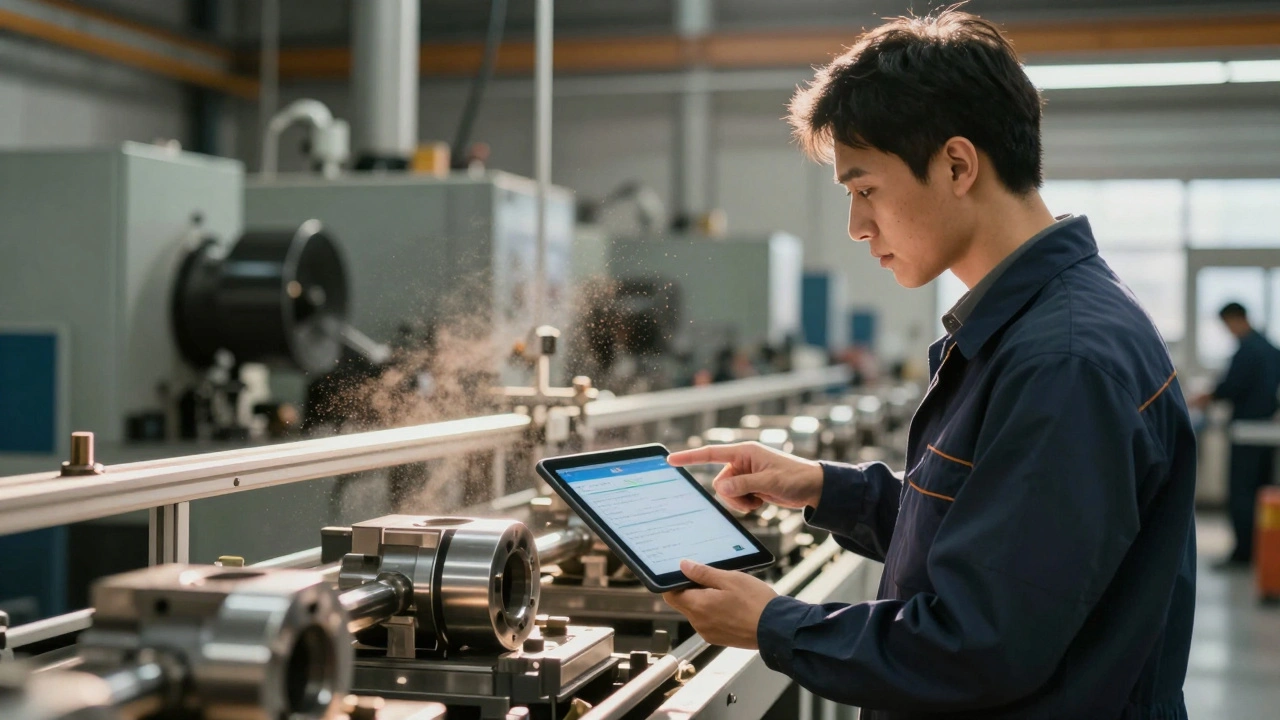
Manufacturing teams use AI to monitor production lines, flagging defects in real time. But when the AI spots an anomaly, a technician doesn’t just hit "fix." They inspect the machine, check for calibration drift, or ask: "Is this a real defect or just a shadow?" The AI finds the needle. The human decides if it’s worth pulling out.
The pattern? Every successful redesign follows three rules:
- AI takes over repetitive, high-volume tasks.
- Humans handle exceptions, context, and judgment calls.
- Workflows are rebuilt so handoffs between human and machine are smooth-not confusing.

The hidden cost: poor handoffs and untrained teams
Not every company gets this right.
A 2024 survey of 127 companies found that 42% of customers got frustrated when AI chatbots couldn’t transfer them to a human quickly-or transferred them to someone who didn’t know the context. In one case, a customer spent 27 minutes explaining their issue to three different people because the AI didn’t pass along the conversation history.
Employee resistance is another big hurdle. Sixty-five percent of organizations report pushback when introducing AI tools. Why? Fear. Misunderstanding. The belief that AI is coming for their job.
The fix? Training-and reframing. Companies that succeed don’t just teach employees how to use AI. They explain how it makes their work easier, more meaningful, and less exhausting.
At a hospital in Ohio, radiologists were skeptical when AI was introduced. After eight hours of training on how to interpret AI flags and when to override them, their feedback changed. One said: "The AI catches things I miss when I’m tired. I catch things the AI doesn’t understand. Together, we’re better than either of us alone."
That’s the mindset shift: from "AI vs. me" to "AI with me."
What skills do workers need now?
If you’re working in a company using AI, your job isn’t disappearing. It’s changing.
You don’t need to be a coder. But you do need to understand how to work with AI tools. That means three new skills are becoming essential:
- AI literacy: Knowing what AI can and can’t do. Most workers need 8-10 hours of training to get comfortable. That’s less than a full workday.
- Prompt engineering: Not coding-just asking better questions. Instead of "Summarize this email," you learn to say, "Summarize this email in a way that highlights the customer’s main concern and suggests a next step."
- Data interpretation: Understanding what AI outputs mean in real-world terms. If the AI says "87% confidence this is fraud," what does that actually mean for your decision? Is 87% good enough? When should you dig deeper?
Managers need even more. They’re now responsible for designing workflows, setting boundaries for AI use, and making sure humans aren’t over-relying on machine suggestions. That’s called avoiding "automation bias"-when people trust AI even when it’s wrong. MIT’s Kate Crawford warns this is one of the biggest risks. A human who blindly follows AI recommendations can make worse decisions than someone working alone.
Why this isn’t a trend-it’s the new normal
The global market for AI augmentation-meaning human-AI teamwork-hit $18.5 billion in 2024. That’s up 34% from last year. Financial services lead adoption, followed by healthcare and manufacturing. Why? Because those industries deal with high-stakes decisions where mistakes cost lives or millions of dollars.
The EU AI Act, which took effect in July 2024, now legally requires human oversight for high-risk AI systems-like those used in hiring, lending, or healthcare. That’s not regulation for regulation’s sake. It’s recognition that some decisions must stay human.
And it’s not just big companies. Small businesses are catching up. A local accounting firm in Albuquerque now uses AI to sort receipts and categorize expenses. The owner spends less time on bookkeeping and more time advising clients on tax strategy. That’s not automation. That’s elevation.
By 2026, Gartner predicts 60% of knowledge workers will have AI "copilots"-tools that switch between automating tasks and assisting with judgment, depending on what’s needed. That’s not the future. That’s next year.
What happens if you don’t adapt?
Companies that stick to old models-either full human or full automation-are falling behind.
Forrester found that organizations using human-AI collaboration grew productivity 22% faster than those using only one approach. Why? Because they’re not just doing tasks faster. They’re doing them better.
Meanwhile, workers who resist learning how to use AI tools risk becoming irrelevant-not because they’re replaced, but because their roles become redundant. If your job is just processing forms, checking boxes, or entering data, AI will do it faster. But if your job is understanding why the data matters, guiding others through uncertainty, or making ethical calls-you’re not just safe. You’re more valuable than ever.
The real question isn’t "Will AI take my job?" It’s "Will I learn how to use AI to do my job better?"
Where do you start?
If you’re a manager, start here:
- Look at your team’s daily tasks. Which ones are repetitive, rule-based, and take up more than 30% of their time?
- Choose one task to pilot. Don’t try to automate everything at once.
- Redesign the role around it. Who will review the AI’s output? When? How will feedback flow back to improve the system?
- Train your team. Not on code-on how to work with the tool.
- Measure what matters: speed, accuracy, and employee satisfaction.
If you’re a worker, start here:
- Ask your manager: "What AI tools are we testing? How will this change my role?"
- Volunteer to test the new tool. Be the first to try it.
- Learn to write clear prompts. Practice asking AI for summaries, suggestions, and insights-not just answers.
- Focus on the skills AI can’t replicate: empathy, creativity, judgment, and communication.
This isn’t about machines taking over. It’s about humans reclaiming time-for thinking, for connecting, for leading. The most successful organizations won’t be the ones that automate the most. They’ll be the ones that redesign work to make humans more human.
Does AI automation mean my job will be eliminated?
Not if your role involves judgment, emotion, or complex decision-making. AI is most likely to take over repetitive, rule-based tasks-like data entry, routine approvals, or initial customer screening. Your job will change, not disappear. Companies that succeed are redesigning roles so humans focus on what machines can’t do: understanding context, building trust, and making ethical calls.
What’s the difference between automation and augmented intelligence?
Automation replaces humans. Augmented intelligence enhances them. Automation might replace a customer service rep with a chatbot. Augmented intelligence gives the rep an AI tool that handles 70% of simple questions, so they can spend more time helping customers with complex issues. The goal isn’t to remove people-it’s to make them more effective.
Can AI make biased decisions, and how do humans prevent that?
Yes. AI learns from data-and if that data reflects past biases (like favoring certain demographics in hiring or loan approvals), the AI will too. Humans prevent this by reviewing AI outputs, questioning outliers, and ensuring diverse teams are involved in designing and auditing the systems. Human oversight isn’t optional-it’s necessary to catch and correct algorithmic bias before it causes harm.
How much training do employees really need to use AI tools?
Most workers need only 8-10 hours of basic training to understand how AI fits into their workflow. Knowledge workers-like marketers, analysts, or HR professionals-may need 20-30 hours to learn prompt engineering and interpret AI outputs effectively. The training isn’t technical. It’s practical: how to ask better questions, when to trust the AI, and how to flag errors.
Why do some human-AI teams perform worse than AI alone?
When humans don’t understand the AI’s limits, they can fall into "automation bias"-trusting the machine even when it’s wrong. If a radiologist ignores a warning because the AI said "low risk," or a loan officer approves a risky application because the AI gave it a high score, the result is worse than if they’d worked alone. Training, clear protocols, and a culture of questioning AI outputs are critical to avoid this.
Is this just for big companies with big budgets?
No. Small businesses are adopting AI faster than ever. A local bakery uses AI to predict daily sales based on weather and holidays. A freelance designer uses AI to generate initial layouts, then refines them by hand. You don’t need a tech team. You need curiosity and a willingness to try. Many AI tools are free or low-cost-and designed for non-tech users.