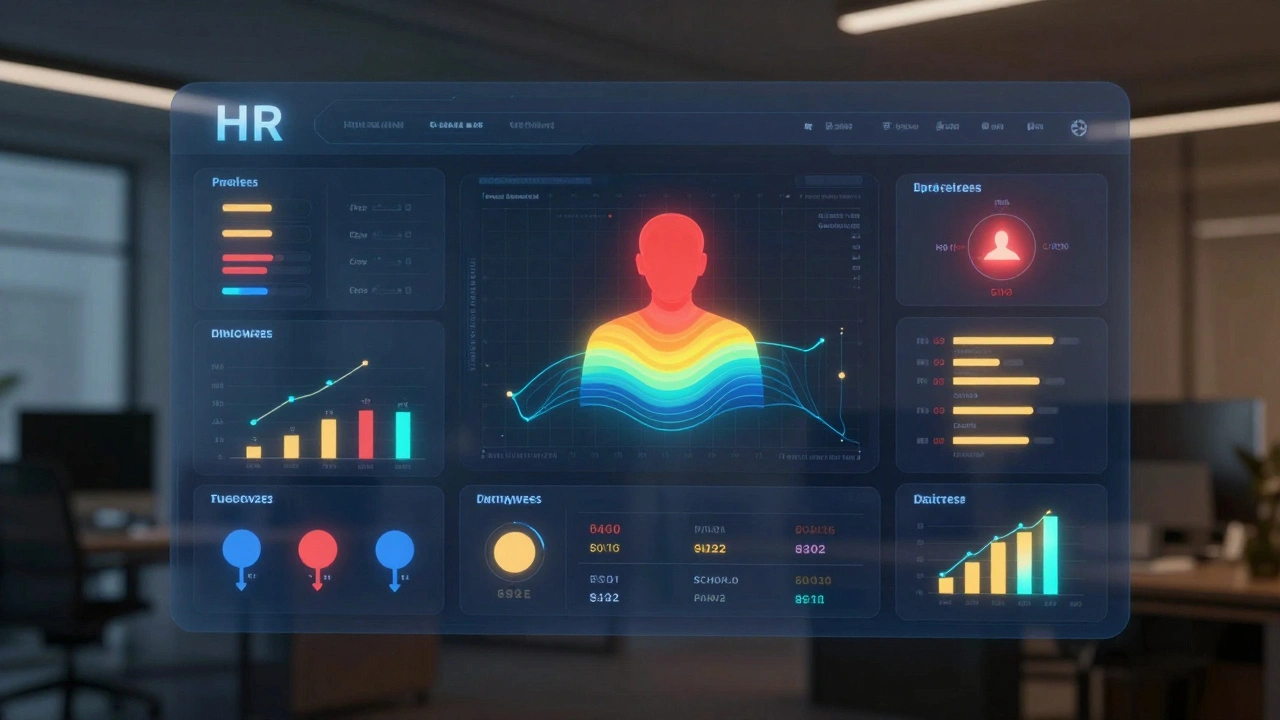
Turnover Risk Calculator
Predict Employee Turnover Risk
This tool estimates the likelihood of an employee leaving based on key indicators. Input data points related to attendance, participation, performance, and survey responses. The system will calculate a risk score based on patterns shown in real-world implementations.
Every year, companies lose millions to employees walking out the door-often without seeing it coming. What if you could know which employees are about to quit before they hand in their notice? What if you could spot skills your team will need next year-and start training now? And what if you could fix pay gaps before they become lawsuits or headlines? That’s not science fiction. It’s workforce analytics.
What Workforce Analytics Actually Does
Workforce analytics isn’t just more reports. It’s not another dashboard showing how many people left last quarter. It’s about using data to predict what’s coming next. Think of it like weather forecasting, but for your team. Instead of rain, you’re predicting turnover, skill shortages, and unfair pay differences. It pulls together data from everywhere: who’s clocking in late, who’s been passed over for promotions, how much people earn compared to others doing similar work, even how often they message their manager. Then it uses machine learning to find patterns. For example, IBM found that employees who started taking longer commutes, stopped volunteering for new projects, or changed their internal messaging habits were 78% more likely to quit within six months. That’s not guesswork. That’s data. The goal? Move HR from reacting to problems to preventing them.Forecasting Attrition Before It Happens
Attrition costs money. Recruiting, onboarding, training-each replacement can run $50,000 or more for mid-level roles. But most companies only notice people are leaving after they’re gone. Workforce analytics changes that. Platforms like Visier and Workday analyze dozens of signals:- Changes in attendance or punctuality
- Decrease in participation in team meetings or collaboration tools
- Shifts in project assignments or performance ratings
- Length of commute or remote work patterns
- Survey responses about manager trust or career growth
Spotting Skills Gaps Before They Hurt You
Technology is changing jobs faster than ever. A 2025 report found 22% of current roles will look completely different in three years. But most companies still plan skills training based on last year’s job descriptions. Workforce analytics fixes that. Tools like Visier’s Skills Intelligence module map over 15,000 job roles to specific competencies. It compares your team’s actual skills against what’s needed for future projects or technologies. For example:- Your IT team has 12 people who know Python-but only 2 know cloud security frameworks.
- Five years from now, 80% of your software roles will require cloud security skills.
- The system flags this gap and recommends targeted training or hiring.

Fixing Pay Equity with Real Numbers
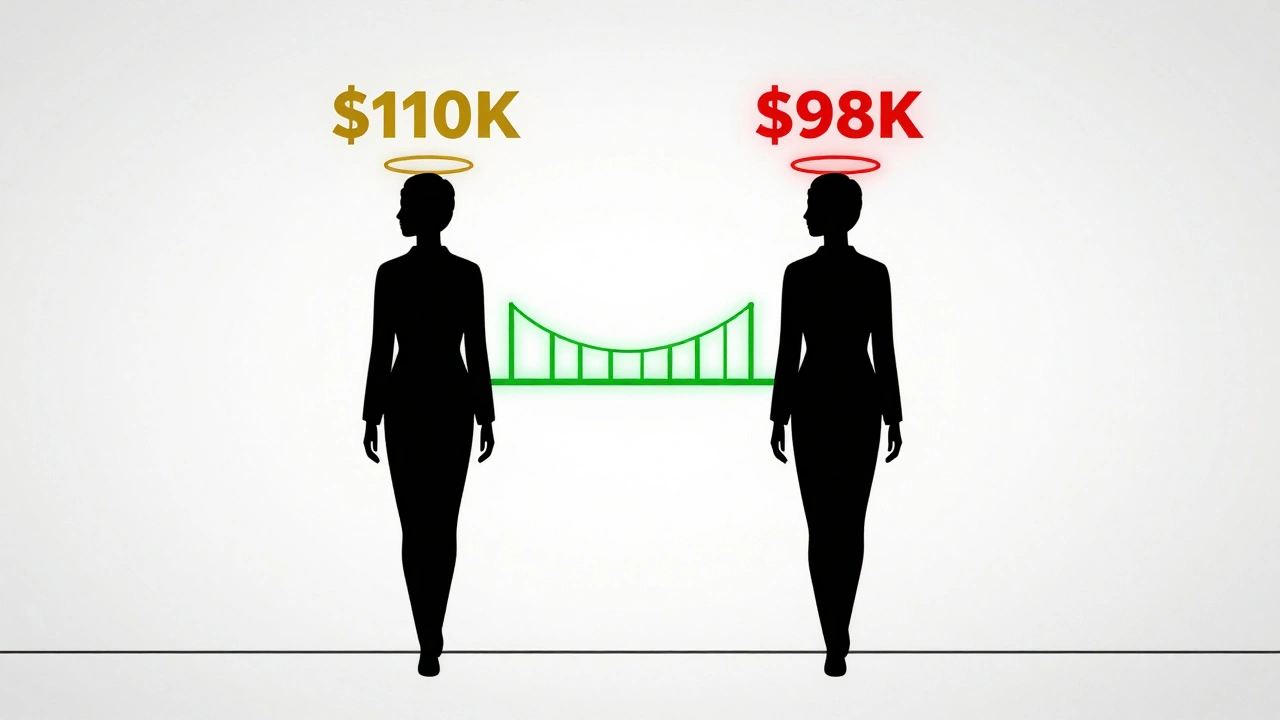
Pay equity isn’t just about fairness-it’s about legal risk and reputation. In 2025, 28 U.S. states require companies to report pay gaps by gender, race, or ethnicity. But many companies still rely on manual audits that miss hidden disparities. Workforce analytics tools now use AI to compare employees in similar roles, with similar experience and performance, and flag pay differences that can’t be explained by those factors. For example:- Two software engineers, same title, same tenure, same performance rating.
- One makes $110,000. The other makes $98,000.
- The system flags this as a potential bias-maybe because one is a woman.
Who’s Using This-and Who’s Struggling
Big companies are leading the way. Sixty-three percent of Fortune 500 firms use workforce analytics today-up from 28% in 2020. The market is worth $10.8 billion and growing fast. But adoption isn’t equal. Enterprise tools like Visier and Workday cost $150,000 a year or more. That’s out of reach for most small businesses. Mid-market options like Microsoft Viva cost $8 per user per month, which is more doable-but still requires time and expertise. The biggest roadblocks? Data quality and resistance from managers. One retail chain abandoned their system after 18 months because managers didn’t enter performance reviews consistently. Without that data, the system couldn’t predict anything accurately. Successful companies don’t just buy software-they build culture. They train managers to trust the data. They create teams that translate numbers into actions: “Here’s why three people are at risk of leaving, and here’s how to talk to them.”Getting Started Without Overwhelming Your Team
You don’t need a $2 million budget to start. Here’s how to begin:- Inventory your data. What HR systems do you have? Are performance reviews, salary data, and attendance records in one place? If not, fix that first.
- Pick one problem. Start with attrition. It’s the easiest to measure and has the clearest ROI. Don’t try to fix pay equity and skills gaps on day one.
- Define your metrics. What does “at risk” mean? Is it two missed deadlines? A drop in survey scores? Be specific.
- Validate the model. Test it on past data. Did it correctly predict who left last year? If not, adjust.
- Act on the insights. If the system says 12 people are likely to quit, don’t just send an email. Have your managers reach out. Offer career talks. Adjust workloads.
What’s Next for Workforce Analytics
The next wave is real-time analytics. Right now, most systems update weekly or monthly. Soon, they’ll update in minutes. Imagine getting an alert: “Maria’s communication patterns changed. She hasn’t joined a team meeting in 10 days. Risk of leaving: 82%.” You’d have time to talk to her before she quits. Integration is also growing. Companies are starting to connect workforce data with sales, production, and customer service metrics. Why? Because if your customer service team is overwhelmed, turnover spikes. If your sales team is underperforming, it’s often because they lack training-not because they’re lazy. The future isn’t about replacing humans with algorithms. It’s about giving HR teams superpowers-so they can focus on people, not paperwork.Common Mistakes to Avoid
Don’t fall into these traps:- Ignoring data quality. Garbage in, garbage out. If managers don’t update performance reviews, the system won’t work.
- Using it as a surveillance tool. Employees will resist if they feel they’re being watched. Be transparent. Explain how data helps them.
- Waiting for perfection. Don’t wait until you have 100% complete data. Start with what you have, then improve.
- Letting tech teams own it. This isn’t an IT project. It’s a people project. HR and managers need to lead it.
Final Thought: It’s Not About the Tool. It’s About the Trust.
The best software in the world won’t help if your employees don’t trust it. If they think it’s used to fire people or cut pay, they’ll hide data or lie on surveys. The most successful companies use workforce analytics to show people they’re valued. “We noticed you’ve been doing great work on Project X. Here’s how we’re supporting your growth.” “We saw a pay difference between two similar roles-we’ve fixed it.” That’s not analytics. That’s leadership.What is the difference between HR analytics and workforce analytics?
HR analytics looks at what already happened-like last quarter’s turnover rate or how many people were hired. Workforce analytics looks ahead. It uses data to predict who’s likely to quit, which skills you’ll need next year, or where pay gaps might exist before they become problems. It’s reactive vs. predictive.
Can small businesses use workforce analytics?
Yes, but it’s harder. Enterprise tools like Visier cost $150,000+ a year, which is out of reach for most small companies. But mid-market tools like Microsoft Viva cost $8 per user per month and can still predict turnover and pay gaps. The bigger challenge isn’t cost-it’s data. Small businesses often have messy or incomplete HR records. Start simple: track who leaves and why. That’s the foundation.
How accurate are attrition predictions?
Top platforms like Visier predict attrition with 89% accuracy when data is clean. But accuracy drops to 55% if HR data is incomplete or outdated. The key isn’t the tool-it’s the quality of the input. If managers don’t update performance reviews or skip surveys, the model can’t learn.
Does workforce analytics violate employee privacy?
It can, if used poorly. Tracking keystrokes or private messages crosses a line. But analyzing attendance, project assignments, survey responses, and salary data is legal and common. The best companies are transparent: they tell employees what data is collected, why, and how it’s used. Trust matters more than technology.
How long does it take to see results?
Most companies see their first meaningful results in 4 to 6 months. That might mean identifying 10 high-risk employees and reducing their turnover through one-on-one conversations. Full deployment takes 6 to 9 months. The fastest wins come from focusing on one problem-like attrition-instead of trying to fix everything at once.
What skills do HR teams need to use workforce analytics?
You don’t need to be a data scientist. But you do need to understand basic metrics like turnover rate, time-to-fill, and pay ratios. Training typically takes 80-120 hours. The biggest skill isn’t technical-it’s communication. You need to turn numbers into stories managers understand: “Here’s why three people might leave, and here’s how to help them.”